Definition
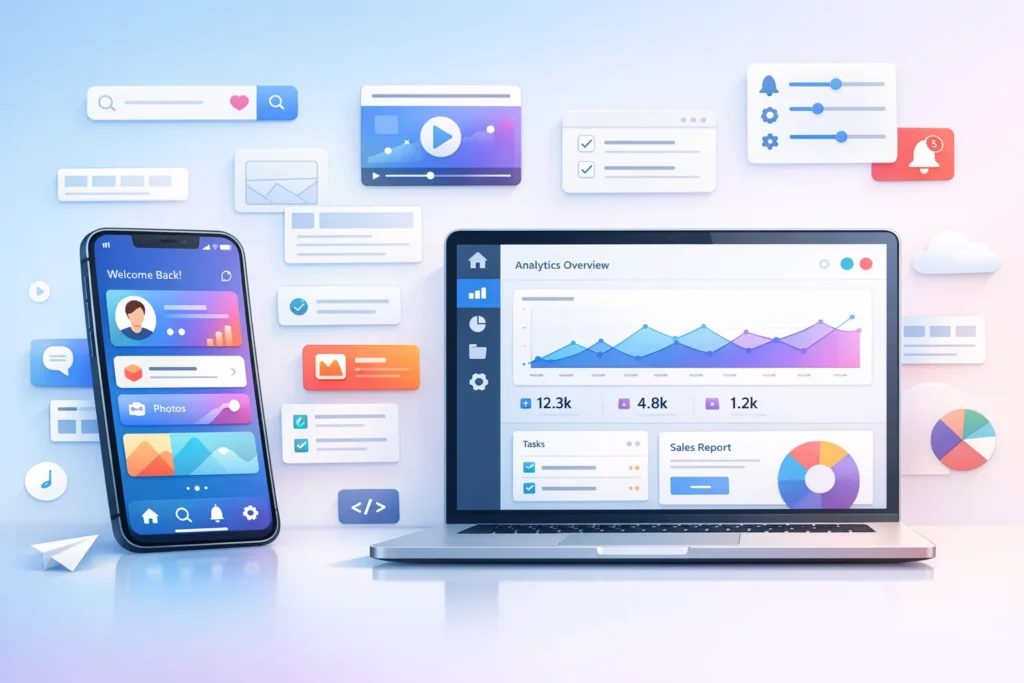
UI (User Interface) in tech refers to the visual layout and interactive elements of a digital product such as buttons, icons, menus, and screens that allow users to interact with software, apps, or websites.
Ever opened an app and instantly loved how smooth and easy it felt to use? Or maybe you’ve struggled with a confusing website where you couldn’t find anything? That experience good or bad comes down to one thing: UI (User Interface).
UI is everywhere in tech. From your smartphone apps to websites, smart TVs, and even ATMs, UI is what connects people to technology. It’s not just about looks it’s about usability, clarity, and how effortlessly users can achieve their goals.
In this guide, we’ll break down exactly what UI means in tech, where it comes from, how it’s used, and why it matters more than ever in today’s digital world.
What Does UI Mean in Tech?
UI stands for “User Interface.” It’s the point of interaction between a user and a digital device or software.
In simple terms:
- UI is what you see and interact with
- It includes design, layout, colors, buttons, animations, and typography
Examples of UI elements:
- Buttons (e.g., “Sign Up,” “Buy Now”)
- Navigation menus
- Icons and images
- Input fields (search bars, forms)
- Sliders and toggles
- Visual feedback (loading animations, hover effects)
Origin and Evolution of UI
The concept of UI has evolved significantly over time.
Early Days:
- In the 1960s–70s, computers used command-line interfaces (CLI)
→ Users typed commands manually (no visuals)
The Breakthrough:
- In the 1980s, graphical user interfaces (GUIs) became popular
→ Introduced windows, icons, and mouse interaction
Modern UI:
- Today’s UI focuses on:
- Mobile-first design 📱
- Touch interactions
- Voice and gesture controls
- AI-powered personalization
UI has gone from being purely functional to a blend of design, psychology, and technology.
Why UI Is Important in Tech
UI plays a critical role in how users experience a product.
Key Benefits of Good UI:
- ✅ Easy navigation
- ✅ Faster task completion
- ✅ Better user satisfaction
- ✅ Increased engagement and retention
- ✅ Higher conversions (for businesses)
Poor UI can lead to:
- ❌ Confusion
- ❌ Frustration
- ❌ Users abandoning the app or site
Real-World Usage of UI
UI is used across all digital platforms.
Common Applications:
- Websites (eCommerce, blogs, dashboards)
- Mobile apps (social media, banking apps)
- Software (design tools, productivity apps)
- Devices (smartwatches, kiosks, ATMs)
Example:
- A shopping app UI includes:
- Product images 🛍️
- Add-to-cart button
- Filters and categories
- Checkout interface
UI Examples with Context and Tone
While UI itself isn’t “tone-based” like slang, how people describe UI can carry different tones.
1. Friendly/Positive Tone 😊
- “This app has a clean and intuitive UI!”
- “The UI is so smooth it feels effortless.”
2. Neutral Tone 😐
- “The UI is simple but functional.”
- “It gets the job done, nothing fancy.”
3. Negative/Dismissive Tone 😒
- “The UI is cluttered and confusing.”
- “Terrible UI I couldn’t find anything!”
Types of User Interfaces
UI comes in different forms depending on how users interact.
1. Graphical User Interface (GUI)
- Visual elements like icons, windows, buttons
- Most common type today
2. Voice User Interface (VUI)
- Interaction through voice commands
- Example: smart assistants 🎙️
3. Command-Line Interface (CLI)
- Text-based input system
- Used by developers and IT professionals
4. Touch User Interface
- Used in smartphones and tablets
- Tap, swipe, pinch gestures
5. Gesture-Based UI
- Motion-based interaction
- Found in gaming and AR/VR systems
UI vs UX: What’s the Difference?
Many people confuse UI with UX (User Experience), but they’re not the same.
| Feature | UI (User Interface) | UX (User Experience) |
|---|---|---|
| Focus | Visual design & interaction | Overall user journey |
| Goal | Make things look good & usable | Make things work smoothly |
| Elements | Buttons, colors, layout | Flow, usability, satisfaction |
| Example | A “Buy Now” button design | How easy it is to complete purchase |
Simple analogy:
- UI = The look
- UX = The feel
Both work together to create a great product.
UI Design Principles
Good UI design follows certain principles:
1. Clarity
- Keep layouts simple and easy to understand
2. Consistency
- Use the same styles, colors, and patterns
3. Feedback
- Provide responses (e.g., loading indicators, success messages)
4. Accessibility
- Make UI usable for all users (including disabilities)
5. Responsiveness
- UI should work across devices and screen sizes
UI Components Explained
Here’s a breakdown of common UI elements:
| UI Component | Description | Example |
|---|---|---|
| Button | Clickable action element | “Submit,” “Login” |
| Navigation Bar | Helps users move across pages | Top menu |
| Form Fields | Input areas for user data | Name, email input |
| Icons | Visual symbols | Search icon 🔍 |
| Cards | Content containers | Product cards |
| Modals | Pop-up windows | Confirmation dialog |
Alternate Meanings of UI
While “User Interface” is the primary meaning in tech, UI can have other meanings depending on context:
- Unemployment Insurance (finance/government)
- Unique Identifier (data systems)
- University of Iowa (education context)
However, in the tech world, UI almost always means User Interface.
Polite or Professional Alternatives
Instead of repeatedly saying “UI,” you can use:
- User interface design
- Interface layout
- Visual interface
- Front-end design
- Interaction design (slightly broader)
Common Mistakes People Make About UI
- ❌ Thinking UI = UX
- ❌ Focusing only on visuals, ignoring usability
- ❌ Overloading design with too many elements
- ❌ Ignoring mobile responsiveness
Practical Tips for Better UI Understanding
- Pay attention to apps you use daily
- Notice what feels easy vs confusing
- Learn basic design principles
- Explore UI design tools (like wireframing apps)
FAQs:
1. What does UI stand for in technology?
UI stands for User Interface, which refers to the visual and interactive elements of a digital product.
2. Is UI the same as UX?
No, UI focuses on design and visuals, while UX focuses on the overall user experience and usability.
3. What is an example of UI?
A mobile app’s layout, including buttons, menus, and icons, is an example of UI.
4. Why is UI important?
UI improves usability, user satisfaction, and engagement, making digital products easier to use.
5. What skills are needed for UI design?
Key skills include:
- Visual design
- Typography
- Color theory
- Prototyping tools
6. What tools are used for UI design?
Popular tools include:
- Figma
- Adobe XD
- Sketch
7. What is a good UI?
A good UI is simple, intuitive, responsive, and visually appealing.
8. Can UI affect business success?
Yes, a well-designed UI can increase conversions, customer retention, and brand trust.
Conclusion
UI (User Interface) is the bridge between humans and technology. It’s not just about making things look pretty it’s about creating a smooth, intuitive, and enjoyable experience for users.
Whether you’re browsing a website, using an app, or interacting with a device, UI plays a silent but powerful role in shaping your experience.
Discover More Related Articles:
- A Spread Mean in Sports Betting: How to Read and Use the Spread in 2026
- Exhortation Mean in the Bible: Encouragement Through Scripture in 2026

Amanda Lewis is a professional content writer and word-meaning researcher who specializes in explaining definitions, slang, abbreviations, and modern language terms. She writes for WordNexy.com, where she creates clear, accurate, and reader-friendly articles to help users understand word meanings and proper usage. Her work is especially useful for students, writers, and online readers seeking quick and reliable explanations.